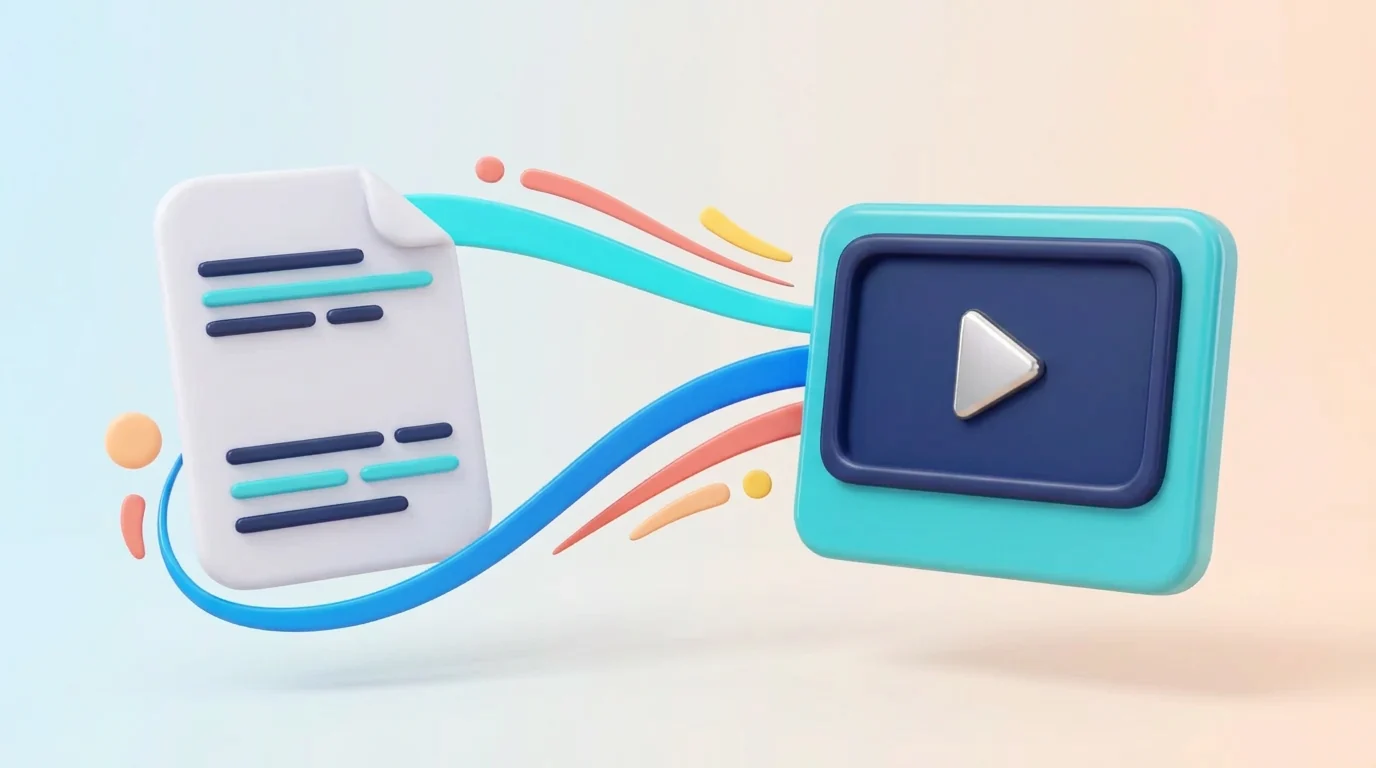
HTTP Live Streaming is the delivery method behind most video you watch on the web today. Instead of one enormous file, the content is cut into short chunks — typically two to ten seconds each — and a plain text manifest tells the player which chunks exist and where to fetch them. Because everything travels over ordinary HTTP, it passes through firewalls, proxies and CDN caches without special handling.
This guide covers the full loop: how a player starts, how it decides which quality to pull, why live streams behave differently from on-demand ones, where latency comes from, and which browser rules block otherwise valid links.
How HLS playback works
- The player fetches the manifest and reads the list of available variants.
- It picks a starting bitrate and begins downloading segments.
- Segments are buffered and appended to the browser's media pipeline.
- Throughput is measured continuously; the player moves up or down a variant to avoid stalling.
Outside Safari, that pipeline is the Media Source Extensions API driven by hls.js, the open-source engine Decodr loads. The protocol itself is Apple's — Apple's HTTP Live Streaming documentation is the reference implementation guide, and RFC 8216 is the formal specification.
The bitrate ladder and adaptive quality
A producer encodes the same content several times at different resolutions and bitrates — the “ladder”. A typical ladder runs from around 400 kbps at 360p up to 6 Mbps at 1080p. The master manifest advertises each rung with its bandwidth and resolution, and the player selects between them mid-stream.
Why quality starts low
A player has no bandwidth estimate before its first download, so it usually starts conservatively and steps up once it has measured a few segments. That is why streams often look soft for the first five to ten seconds and then sharpen.
Why it drops mid-stream
Adaptive switching is defensive. When measured throughput falls below what the current rung needs, the player drops down rather than let the buffer empty. A brief dip in quality is nearly always preferable to a stall, and the switch happens at a segment boundary so playback stays continuous.
Locking a quality manually
Decodr's quality menu lets you pin a specific rung when you would rather have a fixed resolution than automatic adaptation. On a constrained connection, pinning a high rendition will cause buffering — the ladder exists precisely to avoid that.
HLS live streams vs on-demand
A live manifest is refreshed repeatedly and only exposes a rolling window of segments, so seeking backwards is limited to whatever the window holds — often 30 to 60 seconds. An on-demand manifest lists every segment up front, ends with #EXT-X-ENDLIST, and behaves like a normal video file with a full seek bar.
Either way, the link you paste is usually an .m3u8 file. If yours is a full channel list instead, use the online M3U player.
Where latency comes from
Standard HLS runs roughly 15 to 45 seconds behind real time. The delay is structural: a player normally buffers about three segments before starting, so six-second segments cost around eighteen seconds before packaging, CDN propagation and your own network are counted. Shorter segments cut latency but multiply requests and reduce cache efficiency.
Low-Latency HLS narrows the gap to two to five seconds using partial segments and blocking playlist reloads, but it requires support on the origin as well as the player. If your live stream sits half a minute behind broadcast, that is the protocol working as designed, not a fault in the player.
Buffering: reading the symptoms
- Stalls on every channel — the bottleneck is your connection or the source, not the player. Test a second source before blaming either.
- Stalls on one channel only — that specific origin or rendition is overloaded. Try a lower quality rung.
- Stalls after a while, never at the start — often thermal throttling or a background download competing for bandwidth.
- Audio continues, video freezes — decode pressure. Drop to a lower resolution.
Browser support and the rules that block links
Safari on macOS and iOS decodes HLS natively; Chrome, Edge and Firefox rely on a JavaScript engine. Both paths are subject to the browser's security model, and two rules cause most failures. Mixed content blocks plain http:// media inside an HTTPS page. Cross-origin rules require the stream host to send permissive CORS headers. Desktop applications ignore both, which is exactly why a link can play in VLC and fail in every browser on your machine. Only the host can change that.
Codec support adds a third constraint: H.264 with AAC is universally safe, while HEVC, AC-3 and EAC-3 depend on the device. A stream that plays with picture but no sound is almost always an audio codec mismatch.
What Decodr does not do
Decodr does not proxy, transcode, record or re-host anything. Your device connects straight to the stream host, which means playback depends entirely on that host's availability and cross-origin policy. It supplies no streams and keeps no directory of sources — use it only with streams you are authorised to access, as set out on the acceptable use and DMCA page.
Frequently asked questions
What is HLS?
HTTP Live Streaming is a protocol that splits video into small segments described by a manifest. It streams over ordinary HTTP and adapts quality to your connection.
How do I play an HLS stream online?
Copy the HLS link (it usually ends in .m3u8), paste it into Decodr and press play. The player reads the manifest, picks a starting quality and begins streaming immediately.
Which browsers support HLS natively?
Safari on macOS and iOS play HLS natively. Chrome, Firefox and Edge need a JavaScript player, which Decodr loads automatically via hls.js.
Can Decodr play DRM-protected streams?
No. Decodr does not implement or circumvent DRM. Encrypted or access-controlled streams will not play.
Is this HLS player free?
Yes. Decodr is a free online HLS player that runs entirely in your browser — no installs, no extensions, no account.
Why is my HLS stream buffering or stalling?
Buffering usually means your connection cannot sustain the current variant. The adaptive player should step down automatically; persistent stalling often points to a slow or overloaded stream host.
What is the difference between HLS live and on-demand?
A live HLS manifest refreshes repeatedly and only exposes a rolling window of recent segments. An on-demand manifest lists every segment up front and supports full seeking like a normal video file.
How much delay does a live HLS stream have?
Typical HLS latency is between a few seconds and half a minute behind real time, depending on the segment length and playlist settings chosen by the broadcaster.
Does it work on mobile?
Yes. The player is responsive and uses the device's native video element for fullscreen and picture-in-picture where supported. On iOS, HLS plays natively.
What quality does the HLS player select?
The player measures your throughput continuously and picks the highest variant it can sustain without rebuffering, moving up or down as conditions change.
Why won't an HLS link play even though it works in another app?
Desktop apps are not subject to browser security rules. A stream that plays in VLC can still be blocked in a browser by CORS headers or mixed-content (http:// on an HTTPS page) restrictions.
Is it legal to stream HLS links in a browser player?
Yes, when you are authorised to access the stream — a subscription you pay for, free-to-air broadcasts or your own media. Decodr hosts, proxies and supplies nothing.
What is the difference between HLS and MPEG-DASH?
Both split video into HTTP-delivered segments with an adaptive manifest. HLS is Apple's format, natively supported on iPhone, iPad and Safari; DASH is the open MPEG standard common on Android and smart TVs. Decodr focuses on HLS because it is what virtually every M3U8 playlist carries.
How do I reduce HLS buffering?
Use a wired connection or 5 GHz Wi-Fi, close competing downloads, and let the adaptive player settle on a lower quality variant. If a specific stream always buffers while others play smoothly, the problem is the stream host, not your setup.
Why is my HLS stream 30 seconds behind live TV?
Classic HLS trades latency for reliability: the broadcaster must encode, segment and publish chunks before your player fetches them. Low-Latency HLS (LL-HLS) shrinks this to a few seconds, but the source has to support it.
Can I play HLS on a smart TV or Firestick?
Yes. Open Decodr in the TV's browser — Silk on Fire TV, or any browser on Android TV — paste the .m3u8 link and press Load. Safari-based TVs and consoles with a modern browser work too.
Why does HLS work on my phone but not on my desktop browser?
iPhones and Safari play HLS natively, so they tolerate stricter hosts. Desktop browsers rely on JavaScript playback, which enforces CORS and mixed-content rules. If the host does not allow cross-origin requests, only native players can reach it.
What internet speed do I need for HLS streaming?
Roughly the bitrate of the variant you want, plus headroom: about 5 Mbps for 720p HD, 8–10 Mbps for 1080p and 25 Mbps or more for 4K HLS. Stability matters more than peak speed.
Does Decodr support HLS with multiple audio tracks or subtitles?
If the master manifest declares alternate audio renditions or subtitle tracks, browsers that expose them through the media element can offer switching. Availability depends on how the source packaged the stream.
Final thoughts
HLS won because it is unglamorous: plain text manifests, ordinary HTTP requests, files that any cache in the world already knows how to serve. Once you understand the segment-and-manifest loop, most streaming behaviour becomes predictable — why quality takes a few seconds to settle, why live streams cannot rewind forever, why one link plays in VLC but not in a browser. Decodr exposes that machinery honestly and plays the links you already have the right to watch.